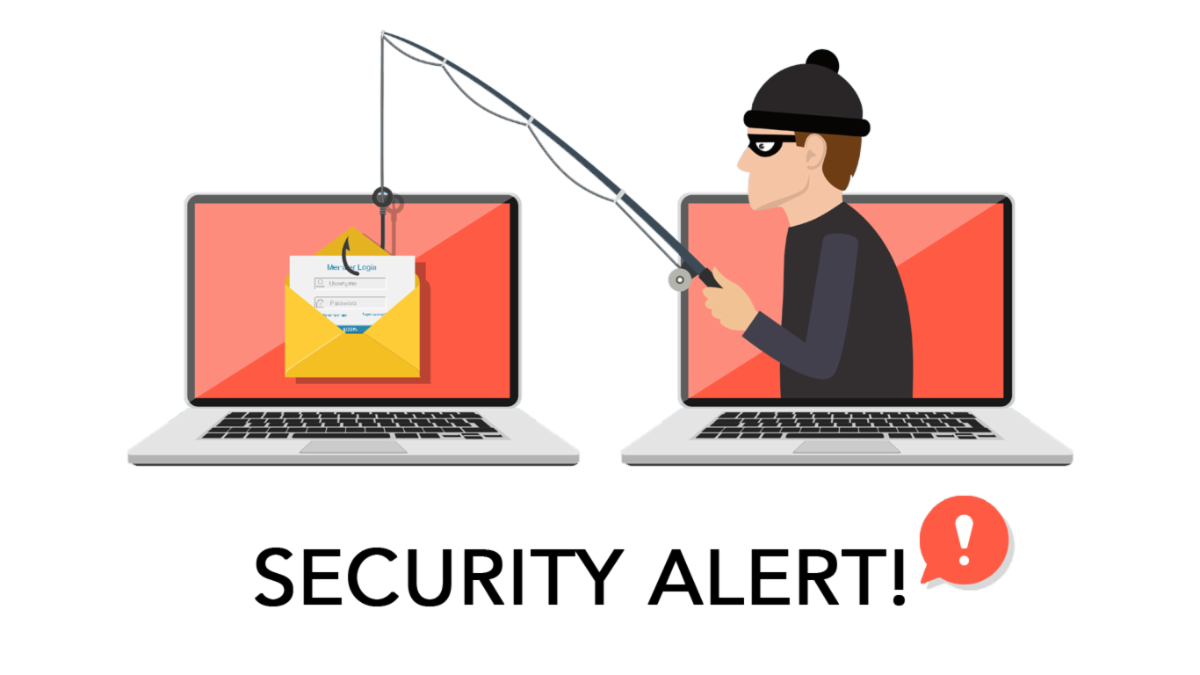
The Kincaid Group IT Department would like to take a moment to warn you about a recent increase in phishing attack attempts in email communications, which has included sophisticated tactics that can sometimes trick even experienced internet users into accidentally compromising their company and/or personal data.
WHAT IS PHISHING
Phishing is when scammers use email or text messages to trick you into giving them your personal information. They may try to steal your passwords, account numbers, or Social Security Numbers. If they get that information, they could gain access to your email, bank, or other accounts. Scammers launch thousands of phishing attacks like these every day — and they’re often successful.
BEWARE OF FAKE LINKS TO MALICIOUS WEBSITES
Hackers are currently using more sophisticated tactics to trick users into clicking malicious links. One current trend is when hackers employ an open redirector link. This is when the link in the email message itself appears to go to a legitimate site, but then redirects to a malicious site (that appears identical), which then will ask the user to enter credential information.
HOW TO KEEP YOURSELF SAFE
Common Phishing Email Identifiers:
- The message is sent from a public email domain
- The email address doesn’t correspond with the sender (example: the sender name is Amazon, but the email address is ql9678zz@comcast.net)
- The domain name is misspelled
- The email is poorly written, including grammatical mistakes
- It includes suspicious attachments or links
Be cautious about all communications you receive. If it appears to be a phishing communication, do not respond. Delete it. Do not click on any links listed in the email message, and do not open any attachments contained in a suspicious email.
Do not enter personal information in a pop-up screen. Legitimate companies, agencies, and organizations don’t ask for personal information via pop-up screens.
Be wary of pop-ups.
Think before you click!
WHAT TO DO IF YOU MAY HAVE CLICKED A MALICIOUS LINK?
If you believe you may have accidentally clicked a malicious link, or are unsure if an email you received is safe or not, please open a ticket with The IT Support Help Desk by sending an email to
support@thekincaidgroup.com.
Please also reach out to us with any questions about your work station’s security readiness.